
Beta
JEI-MINI
A lightweight JEI-style overlay focused on compact recipe browsing, search, mod filtering, and inventory-side usability.
Core Features
What this mod focuses on
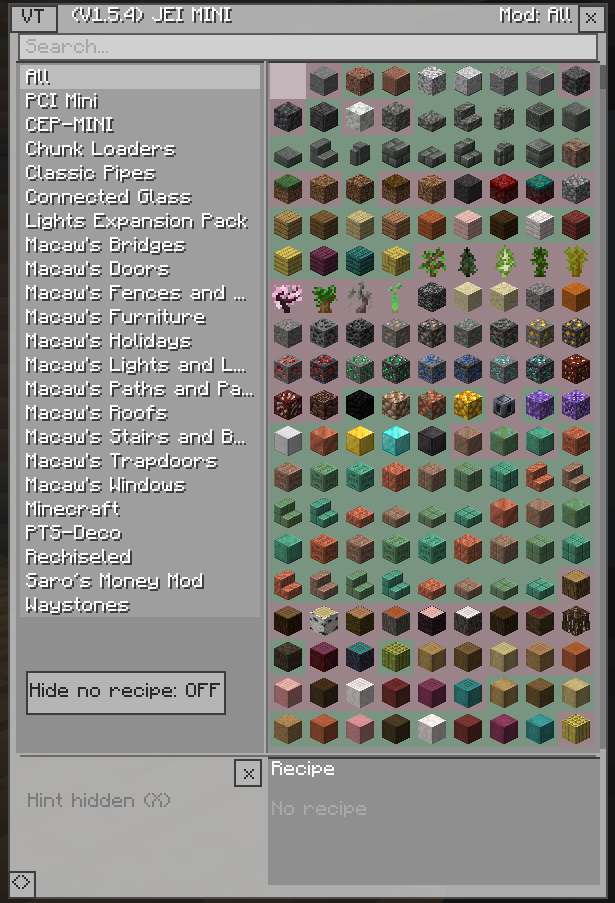
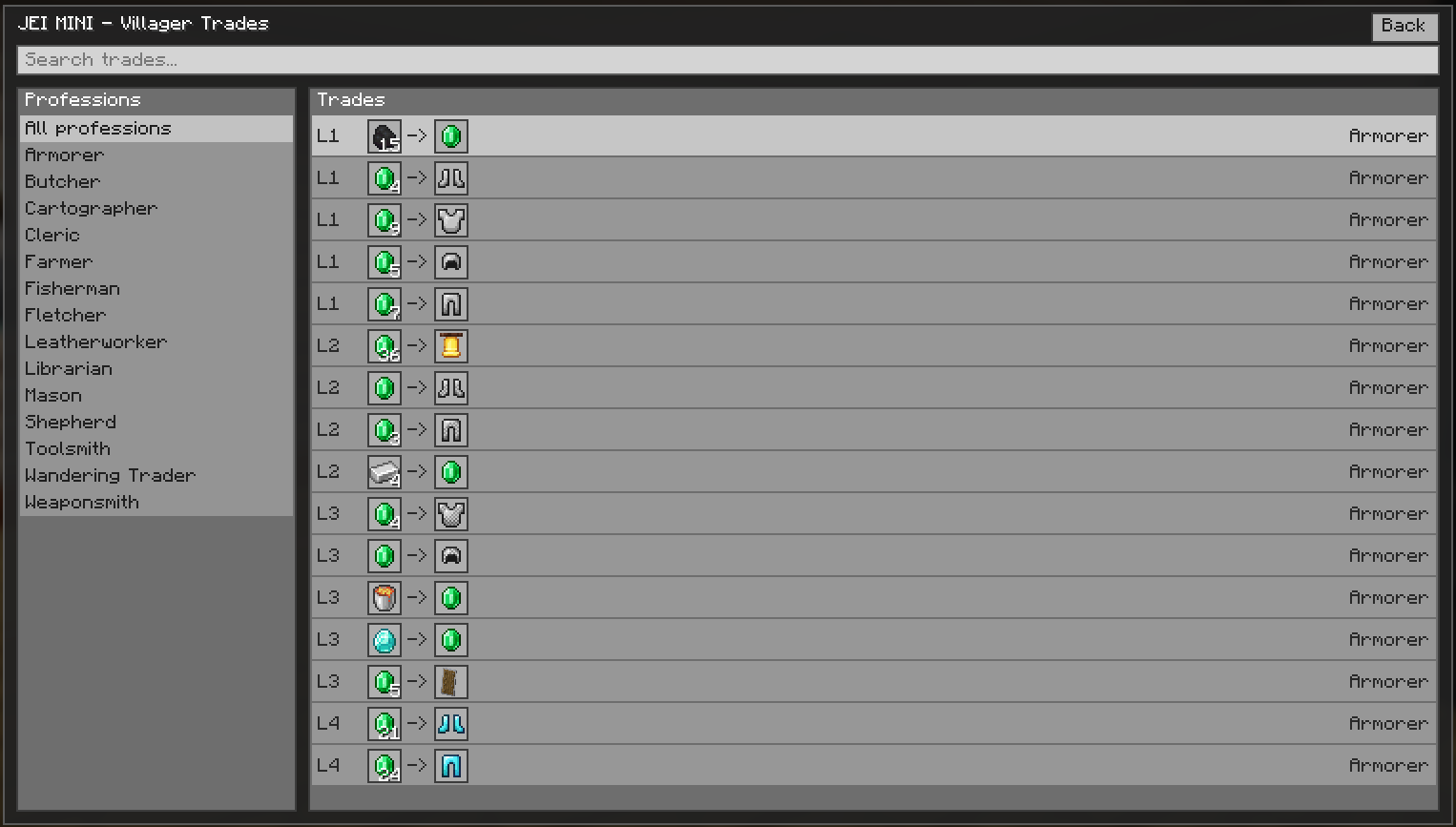
Compact browsing
Shows useful recipe and item information without trying to become a huge heavy interface.
Search and filtering
Built around practical browsing tools such as search, filtering, and quick visibility while playing.
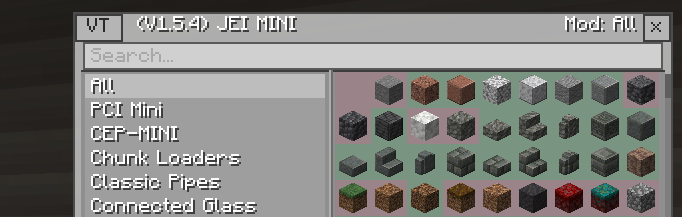
Inventory-side utility
Designed to sit alongside existing inventory use instead of taking over the whole screen.
Gallery
Details
About and installation
Overview
JEI-MINI is a lightweight utility-focused mod. The point is simple: cleaner item browsing, faster recipe access, and a smaller overlay style that stays practical.
Installation
- Install the correct Forge version for Minecraft 1.21.x.
- Download JEI-MINI from its official CurseForge page.
- Place the mod file into your Minecraft
modsfolder. - Launch the game and verify the mod loads correctly.
- If your release requires a specific supported environment, mention it clearly on the CurseForge page as well.
FAQ
Quick answers
What is the goal of JEI-MINI?
It focuses on making recipe and item browsing cleaner and lighter instead of overbuilding the interface.
Why is it part of MINI Mod Series?
It keeps the same compact product identity as the rest of the series while serving a different gameplay purpose.
Where should players download it?
The safest and clearest place is the official CurseForge page linked at the top of this page.